
Tally Bank Statement Import Automation: What CA Firms Should Know
By FynHelp Team, Editorial
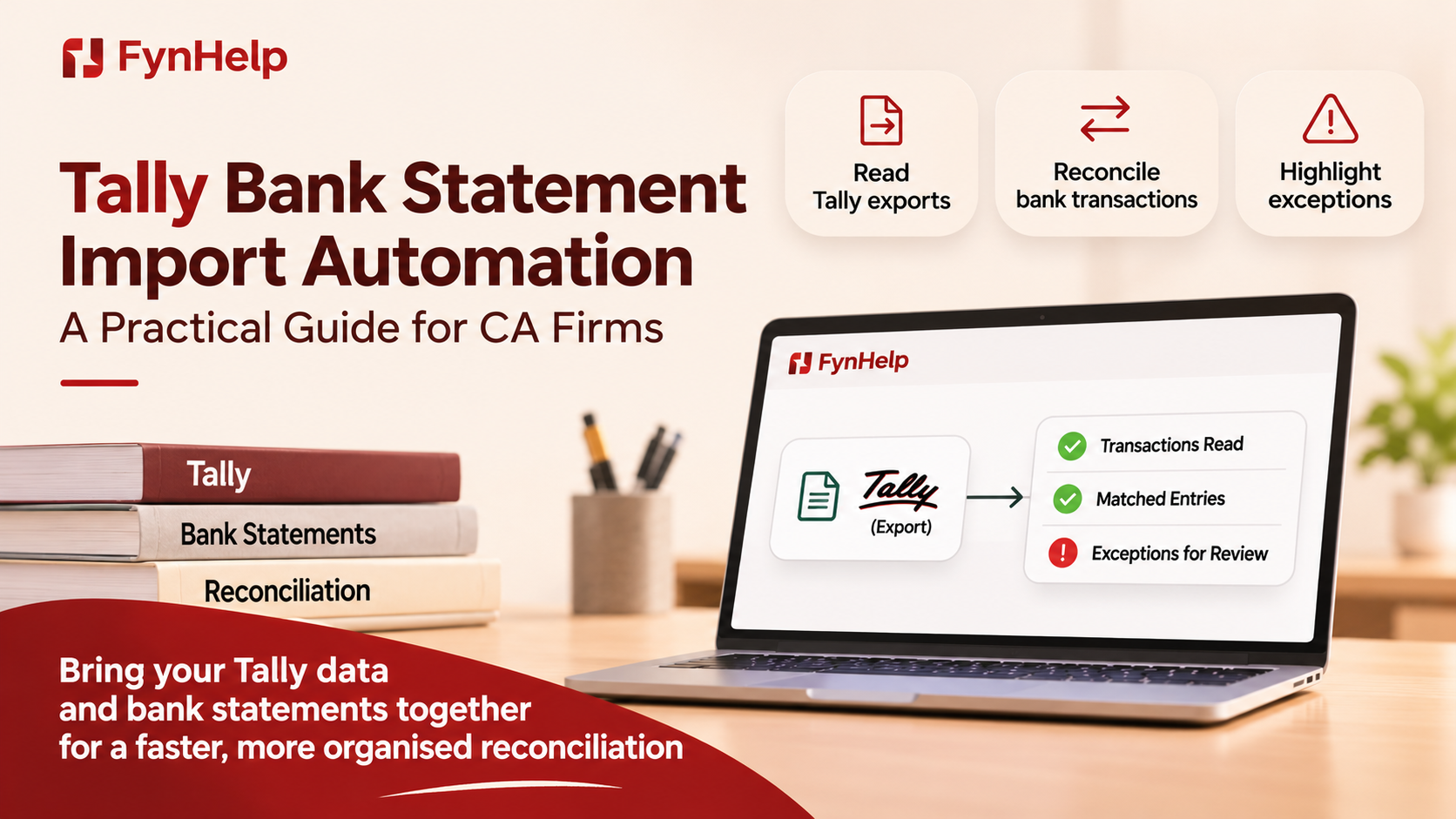
Introduction
Many firms searching for Tally bank statement import automation are trying to solve a genuine month-end problem: too much time is spent moving bank data into a usable accounting workflow.
But importing a statement and reconciling it against the books are not the same task. Confusing the two can lead a firm to choose a tool that solves only part of the problem.
Before evaluating software, it helps to separate data entry, bank-to-book matching, exception review, and ledger posting.
Table of Contents
What does Tally bank statement import automation mean?
Importing a statement is not the same as reconciling it
Why do CA firms need a separate reconciliation workflow?
How does a Tally-export-based workflow operate?
What should be checked before importing bank data?
How should mismatches be reviewed?
What questions should you ask a software provider?
How FynHelp works alongside Tally
Conclusion
Frequently Asked Questions
Internal Linking Suggestions
Fact Check Notes
6. Detailed Blog Sections
1. What Does Tally Bank Statement Import Automation Mean?
Short Answer. The phrase can describe two different tasks: importing bank statement data into Tally, or comparing bank transactions with entries already recorded in Tally. A firm should establish which task it needs before choosing a tool.
Practical Example. A bank import workflow may create or populate accounting records. A reconciliation workflow compares external bank transactions with existing book entries and identifies differences. One does not automatically complete the other.
Key Takeaway. Clarify whether you need data entry, reconciliation, or both.
2. Importing a Statement Is Not the Same as Reconciling It
Short Answer. Importing moves data into an accounting system. Reconciliation checks whether the bank's record agrees with the accounting record. Importing can reduce manual entry, but it does not by itself resolve duplicates, missing postings, timing differences, or incorrect ledger treatment.
Practical Example. Suppose a statement contains a ₹48,000 debit. Importing may bring the line into a workflow, but the accountant still needs to establish whether the payment is already booked, which ledger it belongs to, and whether it is a duplicate.
Key Takeaway. Do not treat successful import as proof that the bank is reconciled.
3. Why Do CA Firms Need a Separate Reconciliation Workflow?
Short Answer. A CA practice may manage several entities, each with different bank accounts, statement formats, and ledger structures. A separate reconciliation workflow can provide a consistent process for comparing bank data with accounting exports and routing exceptions to the right reviewer.
Practical Example. A junior may prepare a Tally export for one client while another client sends a statement in a different format. A common workflow can structure the source data and apply consistent matching steps across both cases.
Key Takeaway. Portfolio-level visibility matters when the firm closes multiple clients every month.
4. How Does a Tally-Export-Based Workflow Operate?
Short Answer. A Tally-export-based workflow uses accounting data exported from Tally as the book-side records. The bank statement provides the bank-side records. Software structures both sets, applies matching logic, and surfaces items that do not reconcile.
Practical Example. The workflow may look like this: export the relevant ledger or bank records from Tally; upload the bank statement and supported export; extract and normalise the data; match transactions; review exceptions; then complete any required accounting action in Tally under the firm's controls.
Key Takeaway. A read-only reconciliation layer can support Tally without replacing it or writing to it.
5. What Should Be Checked Before Importing Bank Data?
Short Answer. Before importing or processing bank data, check the account, period, opening and closing balances, statement completeness, duplicate files, date formats, debit and credit signs, and whether the data has already been entered into the books.
Practical Example. If the same statement is processed twice, duplicate lines can distort the reconciliation. A period mismatch can also make valid transactions appear unmatched. Confirm the source and reporting period before starting.
Key Takeaway. File validation is a control step, not an administrative extra.
6. How Should Mismatches Be Reviewed?
Short Answer. Mismatches should be classified and investigated using the original bank line, corresponding book records, dates, amounts, references, and supporting documents. The reviewer should record the decision and any explanation required by the firm's process.
Practical Example. A payment may appear in the bank on 31 March and in the books on 1 April. The date difference may be timing-related, but the firm should confirm the underlying transaction before approving a match.
Key Takeaway. A suggested match is a review aid, not an automatic accounting conclusion.
7. What Questions Should You Ask a Software Provider?
Short Answer. Ask whether the product imports data into Tally, reads Tally exports, connects directly to a company data source, or writes back to the ledger. Also ask about supported formats, duplicate handling, matching rules, audit trail, source links, and user approvals.
Practical Example. Ask the provider to demonstrate a full cycle using your files: statement intake, book data preparation, matching, exception investigation, and review. Confirm what actions happen inside Tally and what remains outside it.
Key Takeaway. Understand the data flow and write permissions before granting access.
7. How FynHelp Fits Into the Existing Workflow
FynHelp is not a Tally replacement and does not write entries into the ledger. It works alongside existing accounting systems by reading supported bank statements and Tally exports. Extract structures the documents, Recon matches bank and book lines using exact, fuzzy, and firm-defined rules, and unmatched entries are routed to an exception queue with reasons. The firm's team reviews the exceptions and performs any required accounting action in its existing system. This distinction matters: FynHelp supports reconciliation around Tally; it should not be described as automatically importing or posting bank entries into Tally.
Book a Demo
If your firm wants to reduce repetitive month-end work while keeping its existing accounting system and review controls, explore FynHelp at https://fynhelp.com or book a walkthrough with the team.
8. Conclusion
Tally import and bank reconciliation solve different problems. Firms should identify whether they need to move data into Tally, compare bank and book records, or manage both steps under controlled processes. A read-only reconciliation layer can support the workflow without replacing the ledger or changing how the firm posts entries.
9. Frequently Asked Questions
Does FynHelp import bank statements directly into Tally?
No. FynHelp reads supported bank statements and Tally exports for its reconciliation workflow. It does not write entries into Tally.
What is the difference between Tally import and bank reconciliation?
Importing brings data into an accounting system. Reconciliation compares bank transactions with accounting records and investigates differences.
Can I continue using Tally if I use FynHelp?
Yes. FynHelp is designed to work alongside existing accounting systems such as Tally; no ledger migration is required.
Will FynHelp automatically create vouchers in Tally?
No. FynHelp is read-only and does not post or create ledger entries.
What should I test in a pilot?
Test representative bank statements and Tally exports, including duplicate files, date gaps, unclear narrations, and unmatched entries.
Keep reading
- How CA Firms Can Create MIS Reports That Every Number Can Be Traced Back to Its SourceReconciliation · 7 min read
- Junior Accountants Should Learn Judgement, Not Spend Years as Matching MachinesReconciliation · 7 min read
- GST Mismatches, Unidentified Credits and Missing Invoices, Stop Letting Exceptions Hide in SpreadsheetsReconciliation · 8 min read
How FynHelp helps
FynHelp runs a CA firm's month-end close in four steps: bank statement and Tally export extraction, bank reconciliation, source-traceable MIS reports and automated document follow-ups. See pricing for CA firms.
FynHelp reads statements and Tally exports, matches bank to books and drafts the MIS. Free to start, no card needed.
Start free trial