
Zoho Books Statement Reconciliation Software
By FynHelp Team, Editorial
Introduction
Zoho Books can be part of a firm's bookkeeping workflow, but managing reconciliation across several client entities still requires a consistent review process.
Bank statements and accounting records must be compared, differences investigated, and decisions documented. A tool that simply displays matched totals may not give a reviewer enough evidence to explain those totals.
The important evaluation question is how the software handles data access, matching, exceptions, and source traceability.
Table of Contents
Why do firms look for Zoho Books reconciliation software?
What should the software actually reconcile?
Direct integration, bank feeds and exports: what is the difference?
What makes a good matching workflow?
How should exceptions be managed?
Why source traceability matters
How to evaluate a tool with real client data
How FynHelp works alongside Zoho Books
Conclusion
Frequently Asked Questions
Internal Linking Suggestions
Fact Check Notes
6. Detailed Blog Sections
1. Why Do Firms Look for Zoho Books Reconciliation Software?
Short Answer. Accounting teams may use Zoho Books for client bookkeeping while handling bank statements, supporting documents, and review work across several entities. The challenge is keeping the bank-side evidence and book-side records aligned without creating another disconnected spreadsheet process.
Practical Example. A practice may have multiple clients using Zoho Books, each with different transaction volumes and review requirements. A consistent reconciliation workflow helps the team identify which records agree and which need attention.
Key Takeaway. The right tool should improve the firm's review workflow, not add another place to maintain numbers.
2. What Should the Software Actually Reconcile?
Short Answer. The core task is to compare transactions in the bank statement with the corresponding accounting records. Matching may use amount, date, narration, reference, and firm-defined rules. The software should show which records were matched and why.
Practical Example. A bank receipt may have the same amount as a Zoho Books entry but a different narration. A good workflow can surface it as a likely candidate and preserve both source records for review.
Key Takeaway. A match is useful only when the supporting bank and book records are visible.
3. Direct Integration, Bank Feeds and Exports: What Is the Difference?
Short Answer. A direct integration connects systems through an authorised connection. A bank feed supplies transaction data from a bank or aggregator. An export-based workflow uses files downloaded from the accounting system. These methods differ in permissions, freshness, setup, and data flow.
Practical Example. If a product reads a Zoho Books export, that does not mean it has a live API connection or writes data back to Zoho Books. Ask precisely how the product obtains records and whether it can change the ledger.
Key Takeaway. Never assume 'works with Zoho Books' means direct, live, two-way integration.
4. What Makes a Good Matching Workflow?
Short Answer. A strong workflow structures bank and book records, applies transparent matching rules, and routes uncertain transactions to review. Firms should be able to understand whether a match was exact, close, or based on a firm-defined rule.
Practical Example. For example, the same vendor may appear with a shortened name in the bank narration and a full name in the books. A close match may be suggested, but the reason and source records should remain available to the reviewer.
Key Takeaway. Transparent matching is more valuable than a black-box matched status.
5. How Should Exceptions Be Managed?
Short Answer. Unmatched transactions should be presented in a focused queue with a reason, source details, and candidate matches where available. Reviewers need a way to record the outcome and retain the decision history.
Practical Example. A date gap, amount difference, missing book entry, or unclear reference may require different follow-up. A useful exception queue helps the team distinguish these cases instead of treating every unmatched item alike.
Key Takeaway. An exception queue should help the accountant decide what to do next.
6. Why Does Source Traceability Matter?
Short Answer. Source traceability lets a reviewer move from a reported figure back to the underlying bank and book records. It supports review, client queries, and the reconstruction of decisions later.
Practical Example. If a client asks why a payment was treated as reconciled, the team should be able to identify the bank transaction, the corresponding book entry, and the matching or review decision.
Key Takeaway. A report is easier to defend when its numbers have a visible evidence trail.
7. How to Evaluate a Tool With Real Client Data
Short Answer. Test the product with different client entities and statement patterns. Check supported exports, date and amount handling, duplicate detection, matching explanations, exception workflows, audit history, and data access permissions.
Practical Example. Include one clean client, one with many transactions, and one with difficult narrations or timing differences. Track how many entries are matched, how many remain exceptions, and how long reviewers take to resolve them.
Key Takeaway. A realistic pilot should include imperfect data and the firm's actual review steps.
7. How FynHelp Fits Into the Existing Workflow
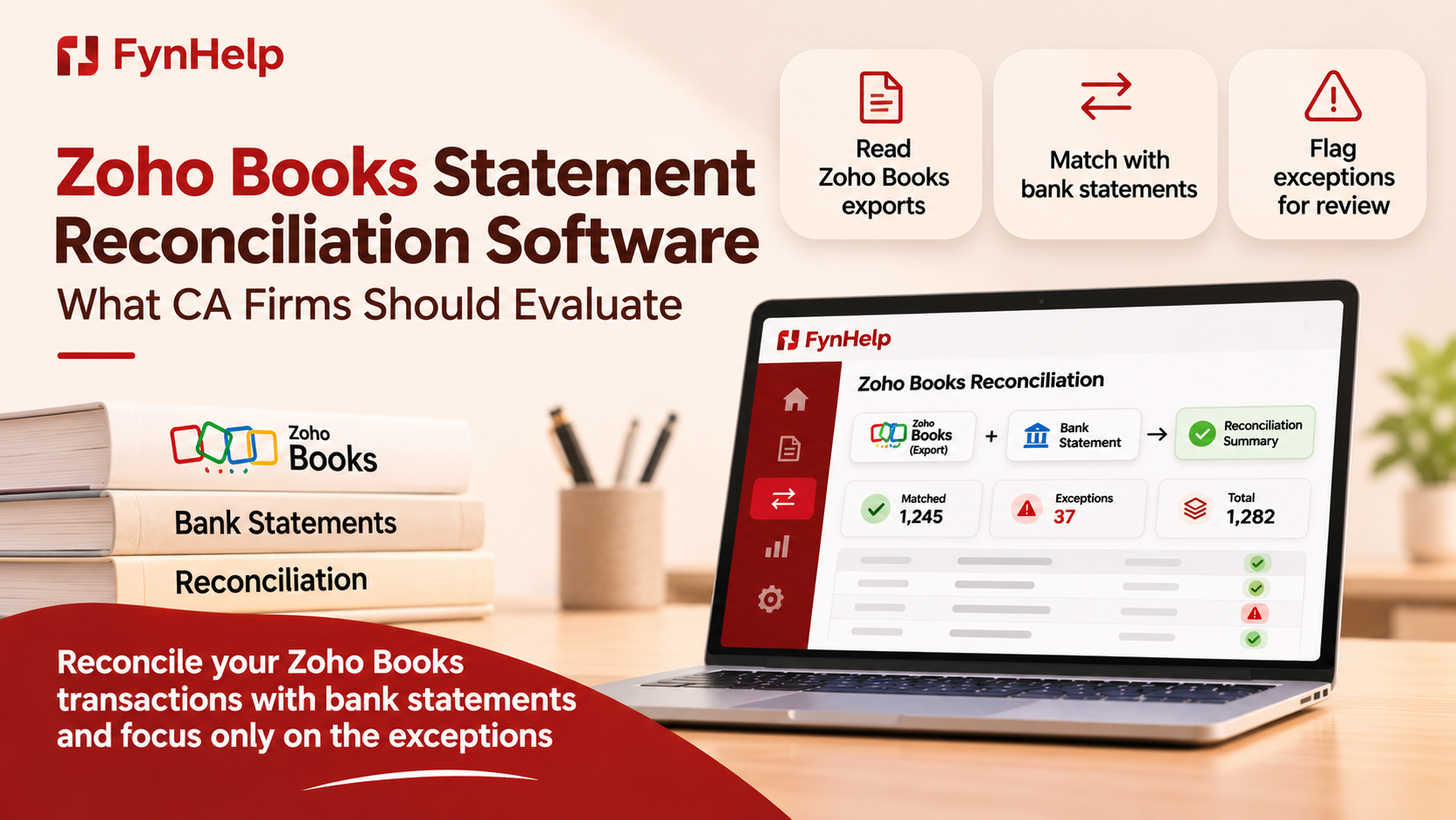
FynHelp works alongside accounting systems such as Zoho Books. The workflow uses supported bank statements and accounting exports to prepare structured bank and book lines for reconciliation. Extract reads the documents, Recon applies exact, fuzzy, and firm-defined matching, and exceptions are surfaced with reasons for human review. Narrate builds MIS from matched lines and links figures back to source records. FynHelp is read-only and does not write to the ledger. Firms should confirm the exact Zoho Books export formats they use and should not assume a direct live or two-way integration unless separately verified.
Book a Demo
If your firm wants to reduce repetitive month-end work while keeping its existing accounting system and review controls, explore FynHelp at https://fynhelp.com or book a walkthrough with the team.
8. Conclusion
The right Zoho Books reconciliation workflow should make bank-to-book matching more consistent while preserving source evidence and reviewer control. Before selecting a tool, confirm exactly how it accesses Zoho Books data, what it can change, and how exceptions are explained.
9. Frequently Asked Questions
Does FynHelp connect directly to Zoho Books?
FynHelp works with supported Zoho Books exports in its current workflow. Do not assume a direct live API connection unless confirmed for the specific deployment.
Does FynHelp write reconciled transactions back to Zoho Books?
No. FynHelp is read-only and does not write to the ledger.
What is the difference between a bank feed and reconciliation software?
A bank feed brings bank transactions into a system. Reconciliation software compares those transactions with accounting records and helps investigate differences.
Can Zoho Books reconciliation software handle date differences?
Some tools can identify close matches using configured date tolerances or rules. The firm should review the matching logic and approve ambiguous cases.
Why is an audit trail important?
It records who reviewed an item, what decision was made, when it happened, and the supporting source context.
Keep reading
How FynHelp helps
FynHelp runs a CA firm's month-end close in four steps: bank statement and Tally export extraction, bank reconciliation, source-traceable MIS reports and automated document follow-ups. See pricing for CA firms.
FynHelp reads statements and Tally exports, matches bank to books and drafts the MIS. Free to start, no card needed.
Start free trial